
Person 1Photo Needed
TWO PHOTOS. ONE SHARED PERFORMANCE.
Raindance AI Video Generator
Turn two photos into a shared music-video-style performance inspired by the Raindance trend. Choose a template, upload one image for each person, and let Raindance AI bring both appearances into the movement. Each person’s face, hair, body, and outfit guide the transformation, giving you a personal way to join the trend.
With Raindance AI, you start with two photos instead of filming a music-video performance together from scratch. The selected template guides the action, while each uploaded image supplies one person. Watch the preview first so you know the style of video you are creating.
Preview your selected template

1. Choose template
Create Your Raindance AI Video
Person 2Photo Needed
One person per photo. Use a clear, front-facing image with good lighting. Show the face, hairstyle, and outfit; follow the selected template’s framing requirements.
Each photo replaces its assigned performer in the selected template. Audio availability depends on the selected template.
From $9.99 per video · View PricingSee Results
PERFORMANCE LIBRARY
Choose Your Raindance AI Template
Find the performance you want to make your own. Preview each available template, compare the scene and movement, and select the one that fits your idea. Raindance AI uses the chosen video as the guide for your shared performance, with one uploaded photo assigned to each person.
The template sets the visual direction before you generate. Look at where each performer appears so you can match your photos to the right roles. Your Raindance AI result follows the selected performance, while the uploaded images guide the people’s appearance and clothing. Details may change during AI editing.
Choose a favorite below to update the generator above. You can review the selected preview and both photos before starting your Raindance AI video.
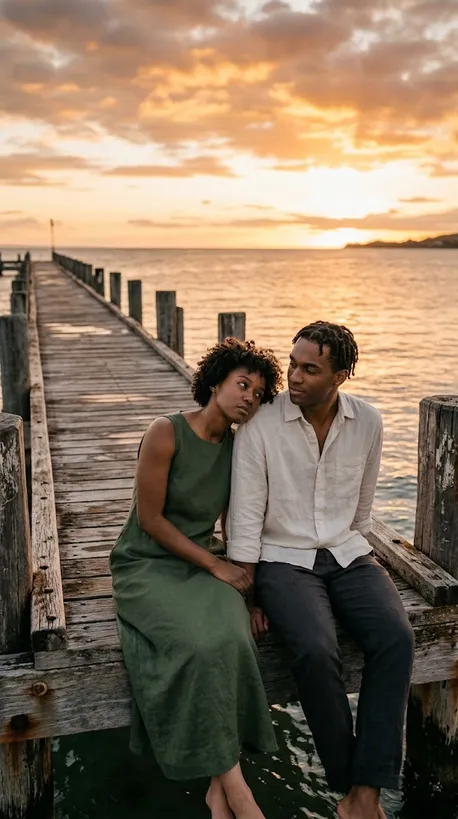
Two people · Two photosSunset Pier Duet
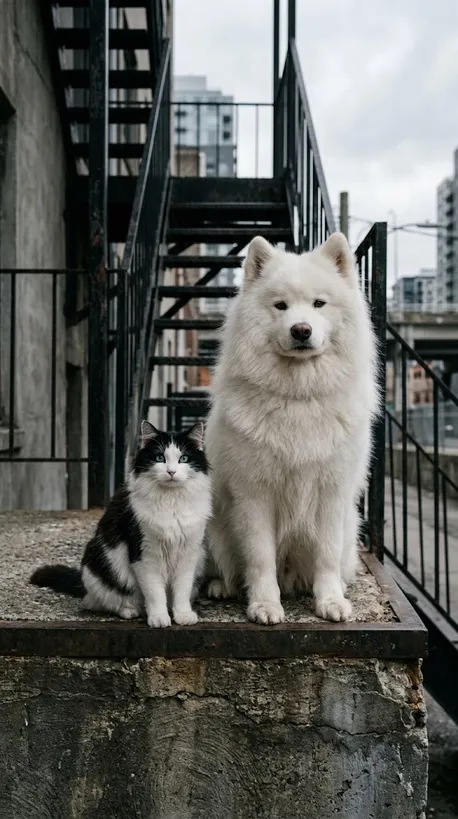
Two pets · Two referencesCity Pet Duo
Two people · Wide performanceShared Cast Performance
CULTURAL BACKGROUND
What Is the Raindance AI Trend?
The Raindance AI trend is inspired by “Raindance” by Dave featuring Tems. Creators use AI-generated or edited visuals to put their own appearances into a music-video-style performance. The appeal is seeing familiar people become part of the scene, from shared moments to individual close-ups.
Our Raindance AI experience starts with two separate photos and a selected template. Each image guides one performer’s appearance, while the template guides the setting, action, and visual sequence. Preview the actual template to see the scenes you are choosing, rather than expecting every result to follow the same shots.
A Raindance meme can be playful, surprising, or simply a way to take part in a shared social format. The most interesting version is often the one that feels personal, whether you use your everyday look, a favorite outfit, or a photo taken for the occasion.
Our Raindance AI video generator keeps the starting point straightforward. You select a template and upload a separate photo for each person. You do not need to describe a performance in a long prompt. The visual result and the music are separate: add a sound through your chosen platform when you prepare the post.
PLATFORM CAPABILITIES
Why Create with Raindance AI?

Your Whole Look in Raindance AI
Raindance AI uses more than your face. Your hairstyle, clothing, and body appearance help guide the generated person. A clear photo gives the model more useful information, although fine details can change during generation.

Preview Your Raindance AI Performance
Watch the template preview before uploading. The selected template defines the opening composition and motion direction, helping you compare available scenes without writing a performance prompt.

Create a Two-Person Raindance AI Video
Make a Raindance AI music video from two photos without filming the performance together. Upload one clear image per person, then see both appearances become part of the selected performance. Explore the examples below for ideas.
WORKFLOW
How to Make a Raindance AI Video
1. Choose a Template
Preview the available templates and select the performance that suits your idea. Raindance AI begins with this visual guide, so the preview is the clearest way to understand the kind of result you are requesting.
2. Upload Two Photos
Upload one separate photo for each performer, with a visible face and enough detail to show the outfit. Match Photo 1 and Photo 2 to the roles shown in the preview. Give Raindance AI clear references rather than crowded group photos.
3. Generate and Review
Follow the generation flow, then review the finished video before sharing it. Check the face, hands, clothing, and overall movement. Your Raindance AI result is generated imagery, so some details may differ from the original photo.
The Original Raindance template includes AI-generated audio. When preparing a social post, you can replace or supplement it using the platform's available music options.
SAME PERFORMANCE · THREE CASTS
See What Two Photos Can Become with Raindance AI
Each example starts with a different pair of photos and uses the same original reference video. Keeping the choreography, camera movement, setting, and shot sequence consistent makes it easier to compare how Raindance AI adapts different faces, hairstyles, outfits, and overall appearances.
CASE STUDY 01
Cast 01: Warm, Everyday Portraits
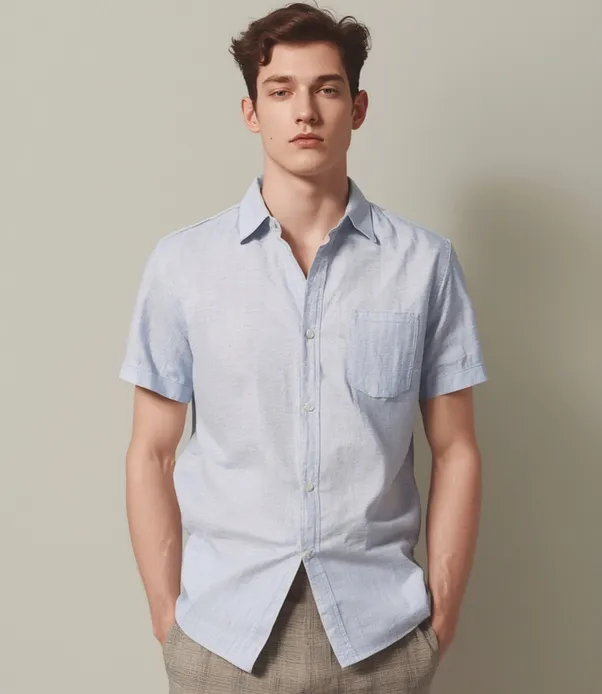
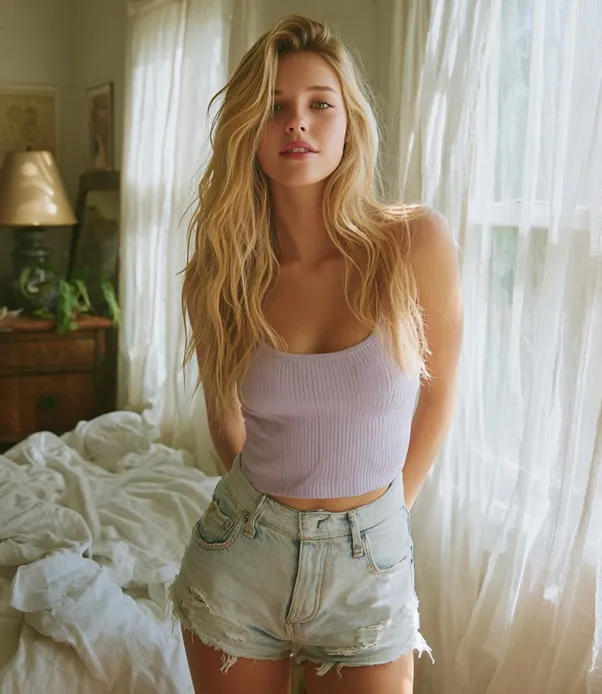
This first pair of portraits is recast into the original reference performance. The choreography, camera movement, setting, and shot sequence remain consistent, while the two uploaded appearances guide the people shown in the generated video.
CASE STUDY 02
Cast 02: A New Pair, the Same Performance
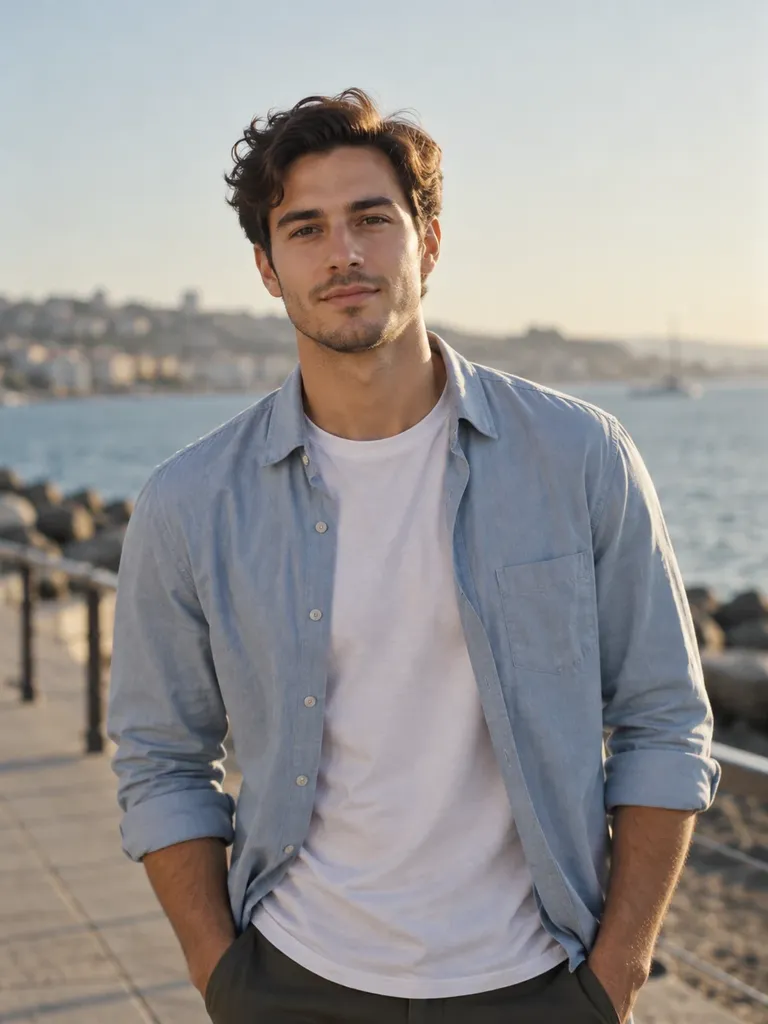
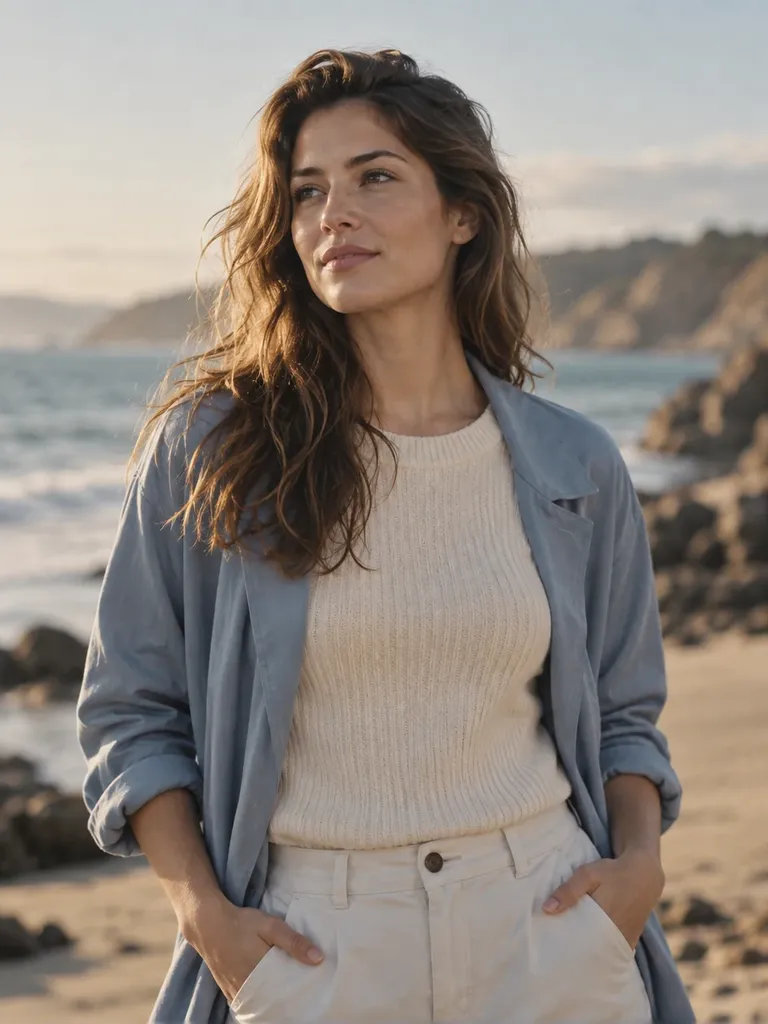
The second example uses a different pair of photos with the same original video. Compare it with Cast 01 to see how Raindance AI changes faces, hair, clothing, and overall appearance without presenting it as a different template or performance.
CASE STUDY 03
Cast 03: Another Look at the Same Sequence
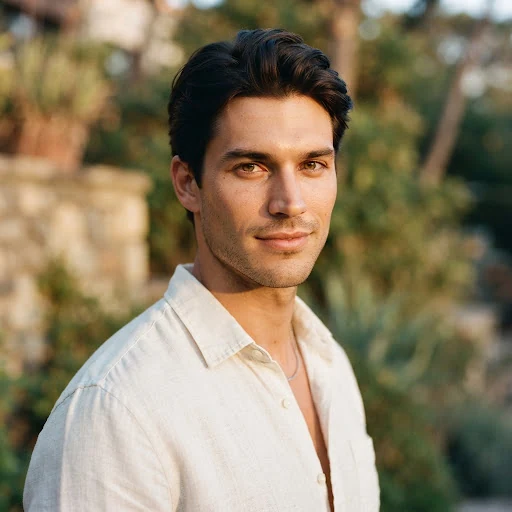
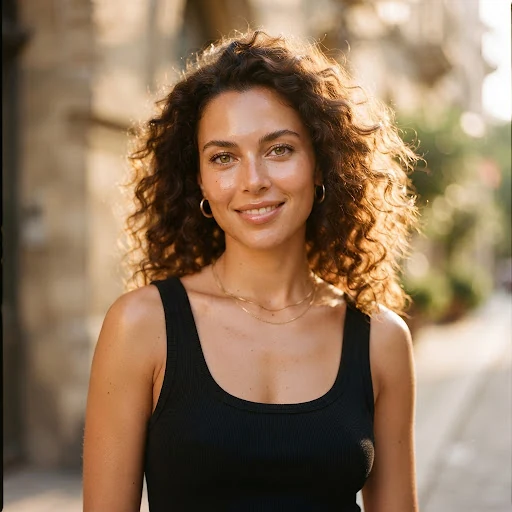
A third photo pair is applied to the same choreography and scenes. Because the underlying performance is shared across all three cases, this comparison focuses on how each set of references changes the cast rather than the motion or camera direction.
CONTINUITY STRIP
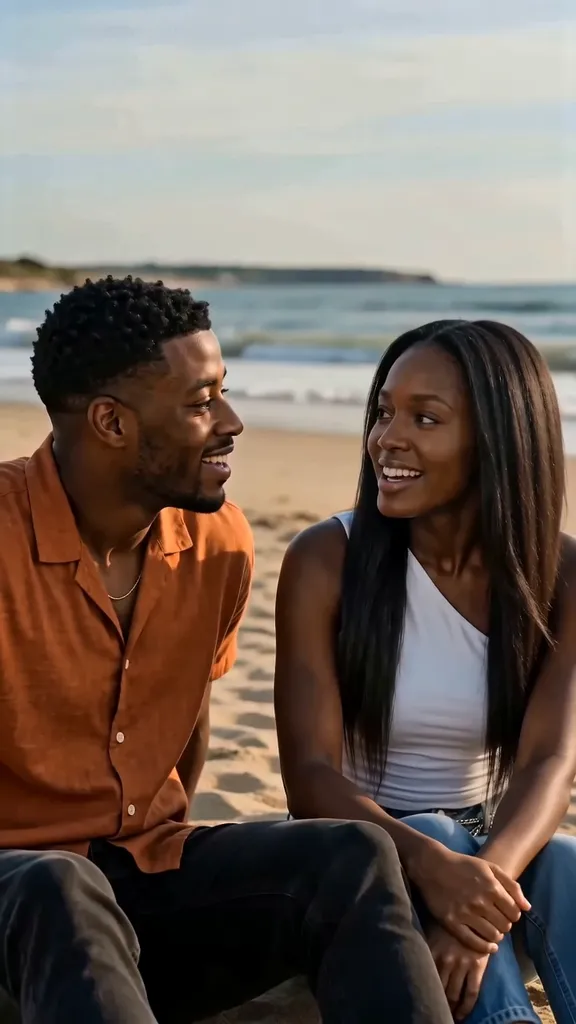
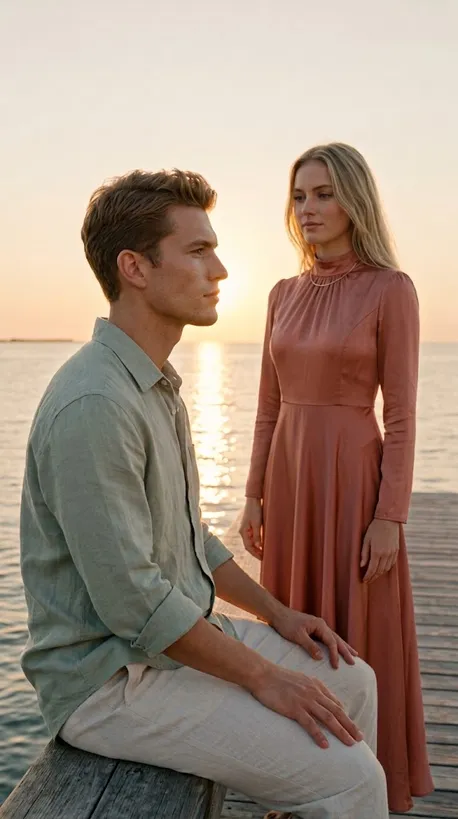
A Closer Look at the Shared Performance
Sample people are AI-generated.
These stills highlight moments from the same reference performance used across all three casts. The movement, setting, and camera sequence stay consistent; the uploaded photo pairs are what change from one generated result to the next.
CREATIVE FORMATS
Make the Raindance AI Trend Your Own

A Raindance AI Social Post
Use Raindance AI to put both people’s appearances into a performance for a personal TikTok, Reel, or other social post. Review the exported video and prepare your caption and sound in the app where you plan to publish.

A Raindance AI Outfit Transformation
Try a distinctive outfit, a coordinated look, or a favorite everyday style. Raindance AI gives the photo a new setting through movement, making the clothing part of the idea. Keep the original image clear enough to show the look.

A Raindance Meme with Friends
Create a shared performance using two photos, then enjoy the reaction together. Raindance AI can turn an ordinary image into a playful surprise. Review both appearances and the overall performance before sharing your result.
TRANSPARENT PASSES
Raindance AI Pricing
Choose one, three, or ten Raindance AI video generations. Each credit covers one video generation, including both people in your selected template. All three options include the same features; purchasing more generations reduces the price per video.
1 Raindance AI Video
$9.99$9.99 per videoA simple starting point for your first Raindance AI performance.
- 1 video generation credit
- Two-person performance from two photos
- Access to all available templates
- Whole-person replacement
- Downloadable video without a watermark
- Template-dependent AI-generated audio
- One-time payment, no subscription
- Unused credits do not expire
- Credit automatically returned if generation fails
3 Raindance AI Videos
$23.99About $8.00 per videoSave $5.98 compared with three single-video purchases.Try different templates or photo pairs for your Raindance AI videos.
- 3 video generation credits
- Two-person performance from two photos per generation
- Access to all available templates
- Whole-person replacement
- Downloadable videos without a watermark
- Template-dependent AI-generated audio
- One-time payment, no subscription
- Unused credits do not expire
- Credit automatically returned if generation fails
10 Raindance AI Videos
$59.99About $6.00 per videoSave $39.91 compared with ten single-video purchases.Create more Raindance AI performances with different people and looks.
- 10 video generation credits
- Two-person performance from two photos per generation
- Access to all available templates
- Whole-person replacement
- Downloadable videos without a watermark
- Template-dependent AI-generated audio
- One-time payment, no subscription
- Unused credits do not expire
- Credit automatically returned if generation fails
One credit creates one Raindance AI video, not one video per person. Generating another version uses another credit. Automatic credit returns apply to failed generation tasks, not to every completed result you decide not to use.
HELP & SPECIFICATIONS
Raindance AI Questions, Answered
How much does Raindance AI cost?

Raindance AI offers three one-time purchase options: $9.99 for one video, $23.99 for three videos, and $59.99 for ten videos. Each generation uses one credit for the complete two-person video. All three options include the same features, with no subscription.
What happens if generation fails?
If a Raindance AI generation task fails, its credit is automatically returned so you can try again. A returned credit is not a cash refund. Completed videos can contain AI variations; review the examples before purchasing.
What does Raindance AI do?
Raindance AI creates a music-video-style performance using two uploaded photos and a selected template. Each image guides one person’s appearance, while the reference guides the movement. The finished result may reinterpret visual details.
Can I create a Raindance AI video with two people?
Yes. Upload one photo per person and choose a two-person template. Raindance AI assigns each image to its corresponding performer. Check both role references before generating so the people appear in the intended roles.
How do I select a Raindance AI template?
Preview a card below the generator, then select Use This Template. Review the updated performance above before starting your Raindance AI generation.
Do I need to write a prompt?
No performance prompt is needed for this Raindance AI workflow. Choose a template and upload your two photos. The template provides the opening composition and movement direction, making the Raindance AI starting process easier to understand.
Which photos should I upload?
Use one clear, front-facing image per person, with good lighting and a visible face, hairstyle, and outfit. Chest-up or waist-up photos may suit some templates; use a full-body image when the selected template requires it. Raindance AI works from both references, so avoid tiny faces, sunglasses, heavy filters, and group photos.
Is this only a face swap?
The Raindance AI workflow uses the person's overall appearance as a reference, including hair, body, and clothing. It is designed around replacing the performer rather than changing only the face. Visual details are not guaranteed to remain identical.
Is Raindance an AI song?
No. “Raindance” is a song by Dave featuring Tems. In the Raindance AI trend, “AI” refers to generated or edited visuals, rather than the song itself. Our tool creates the visual performance and does not generate the original recording.
What song is associated with the Raindance AI trend?
The trend is associated with “Raindance” by Dave featuring Tems. Some templates include AI-generated audio, but they do not include the original commercial recording.
Does the Raindance AI video include music?
Audio depends on the selected template. The Original Raindance template includes AI-generated audio; you can replace or supplement it when preparing your social post, subject to the platform’s music options.
How do I add the Raindance sound to my video?
Upload your Raindance AI result to TikTok or Instagram Reels and use the app’s music tools to find “Raindance” by Dave featuring Tems, if available to your account. Preview the timing before posting. Sound availability and permitted uses depend on the platform, account, and region.
How do I make a photo-to-video opening?
In your preferred video editor, place your original photos before the generated performance. Adjust the transition and any added music to suit the post. This opening is an optional editing step after downloading your Raindance AI result.
Should I label my video as AI-generated?
Yes. TikTok requires realistic AI-generated content to be labeled. Enable the AI-generated content setting when posting your Raindance AI result, and follow the disclosure requirements of any other platform you use.
Will the result look exactly like my photo?
Raindance AI aims to use your appearance as a reference, but AI can change facial features, hands, clothing, and other details. Choose a clear image and inspect the result before deciding to publish it.
Can I share the result on social media?
You can prepare your Raindance AI video for a social post after reviewing it. Follow the platform's rules for generated content and the permissions that apply to any music or other material you add.
Platform policy source: TikTok — About AI-generated content (checked October 9, 2026).
GET STARTED NOW
Your Next Raindance AI Video Starts with Two Photos
Choose a template, upload two clear photos, and turn your idea into a shared music-video-style performance. Raindance AI gives you a simple starting point for joining the trend with your own look.
Create My Video